Struggling to receive your HP Gas booking OTP? Don’t worry — I’ve got a simple trick that will solve this problem for you instantly!
No complicated steps, no technical knowledge required. Just follow a few straightforward instructions, and you are 100% guaranteed to receive your OTP within 5 minutes — it’s as simple as that.
What You Need to Do:
Simply follow the specific instructions outlined below — that’s all it takes. No extra steps, no hassle!
Step-by-Step Guide — Install HP Pay & Retrieve Your OTP
Follow these simple steps carefully, and you’ll have everything set up and your OTP retrieved in no time!
Step 1 — Download & Install HP Pay
Install the HP Pay app on your Android mobile phone from the Play Store.
Step 2 — Register with Your HP Gas Number
Open the app and register using the mobile number that is already linked to your HP Gas agency. This is important — make sure it’s the correct number.
Step 3 — Set Your 14-Digit PIN
Once registered and logged in, you’ll be prompted to set a 14-digit PIN. Don’t skip this step — it’s quick, easy, and only takes a moment.
Step 4 — Verify Your Mobile Number
You may be asked to verify your mobile number. Make sure you select the exact number registered with your HP Gas agency.
Note: Some users may also be required to complete a facial recognition verification. This can be done directly on your mobile phone — no additional devices needed.
Step 5 — Explore Your Dashboard
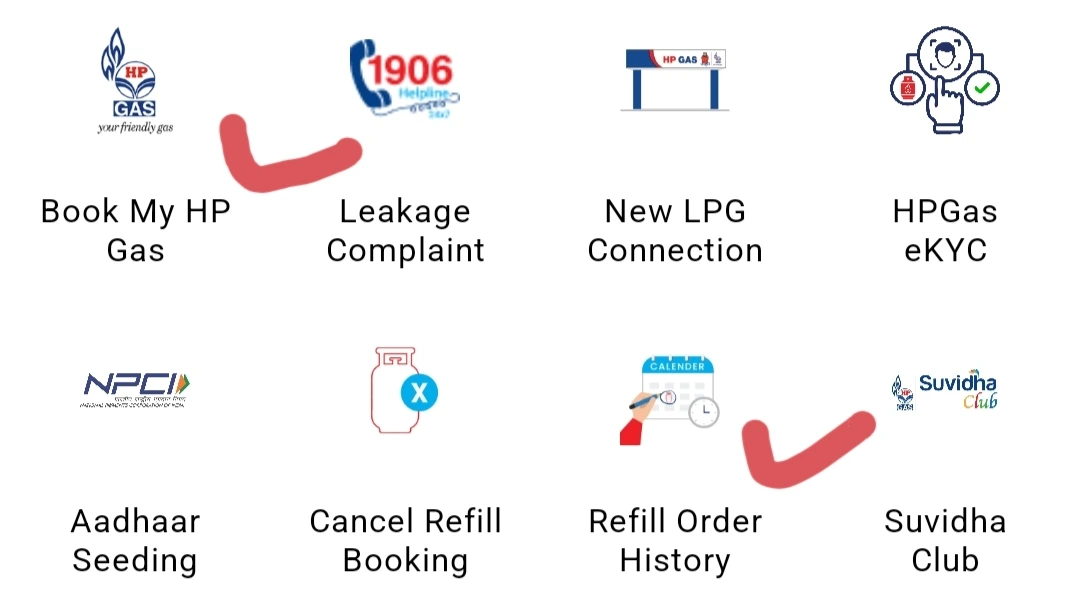
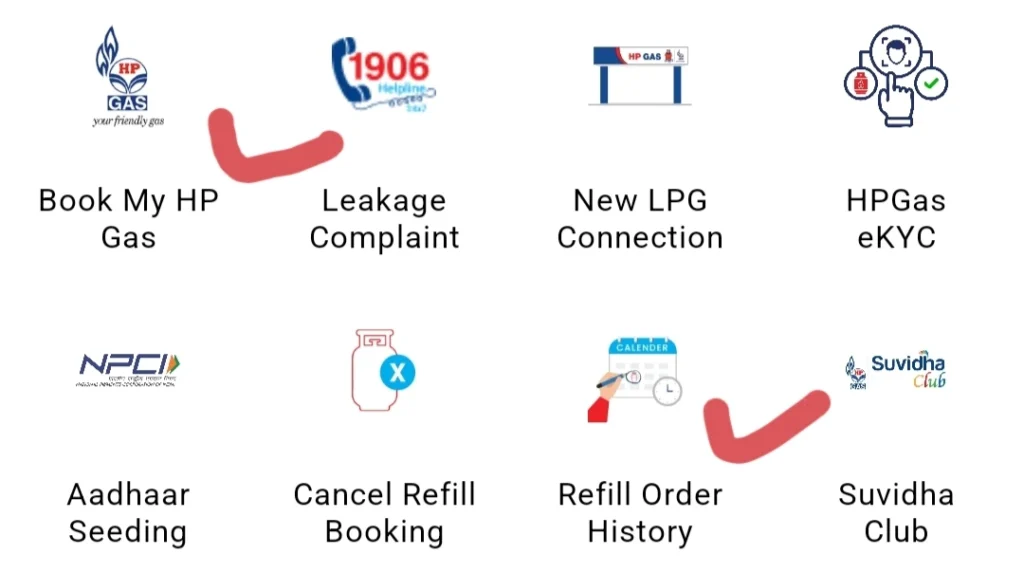
Once verification is complete, you’ll land on your home dashboard with a variety of options available, including:
- HP Gas Booking
- Refill Tracking
- Much more!
Step 6 — Retrieve Your OTP
Already booked a refill using your registered mobile number? Here’s how to get your OTP:
Navigate to the ‘Refill’ section inside the app → Tap on ‘Refill’ → Your OTP will be displayed instantly!
Want a Full Walkthrough?
For a more detailed and visual guide, watch the video below — it covers every step comprehensively and makes the entire process even easier to follow.
Conclusion
Booking your HP Gas online has never been easier! Whether you need help with HP Gas booking, retrieving your OTP, or reaching HP Gas customer care.